In today’s fast-growing podcasting industry, audio quality and file size go hand in hand. Listeners expect clear, professional-sounding voices, but they also want episodes that load quickly and don’t drain their mobile data. Large, unoptimized audio files can slow down website loading speeds, increase hosting costs, and frustrate users—especially those listening on mobile networks.
That’s where Podcast Audio Compression becomes essential. Compression allows podcasters to reduce file size while preserving voice clarity and overall sound quality. The goal is simple: deliver crisp audio in the smallest possible file size.
Top 5 Ways to Compress Podcast Audio
In this guide, we’ll explore the top 5 proven ways to compress podcast audio without losing quality, using practical techniques and beginner-friendly tools.
1. Choose the Right Bitrate (VBR vs. CBR)
One of the most important factors in reducing podcast file size is selecting the correct bitrate. Bitrate determines how much audio data is processed per second, directly affecting both quality and file size.
Understanding CBR (Constant Bitrate)
Constant Bitrate (CBR) keeps the same bitrate throughout the entire audio file, regardless of complexity. While this ensures consistent quality, it often wastes data during silent or simple sections of speech.
Pros of CBR:
- Predictable file size
- Consistent quality
Cons of CBR:
- Less efficient for spoken-word audio
- Larger file sizes than necessary

Understanding VBR (Variable Bitrate)
Variable Bitrate (VBR) adjusts the bitrate dynamically based on the complexity of the audio. When speech is simple or silent, it uses fewer bits; when detail increases, it uses more.
Pros of VBR:
- Smaller file sizes
- Better efficiency for podcasts
- Maintains voice clarity
Cons of VBR:
- Slightly unpredictable file size
Recommended Bitrate for Podcasts
For vocal-heavy podcasts, these settings work best:
- Mono podcasts: 96kbps – 128kbps
- Stereo podcasts: 128kbps – 160kbps
Most professional podcasters choose VBR at 96kbps or 128kbps mono for the best balance of quality and size.
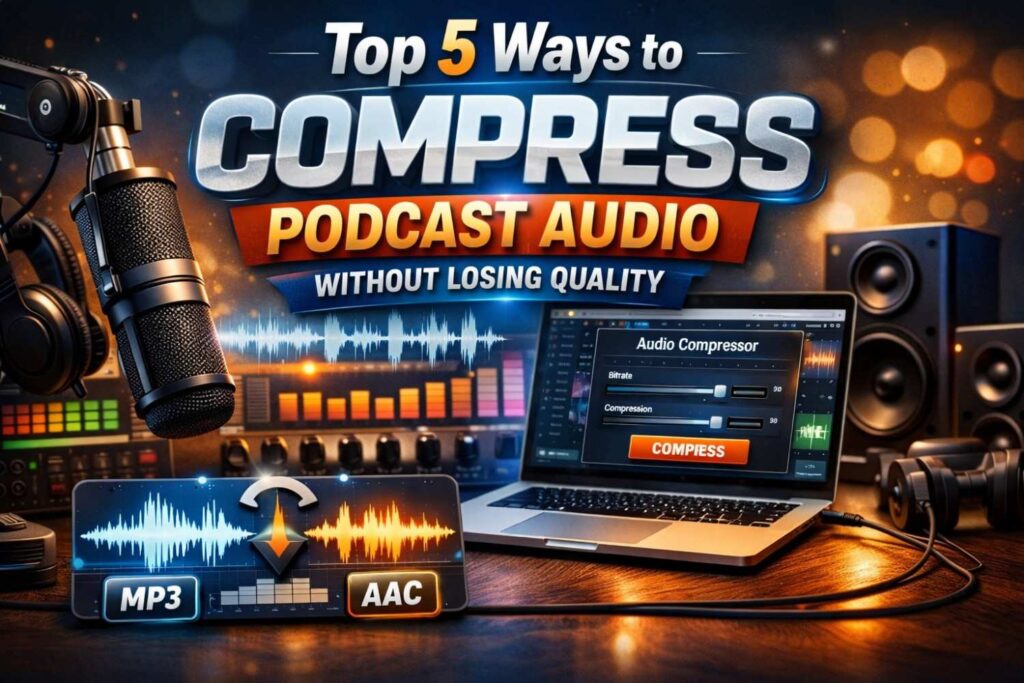
2. Utilize Online Audio Compression Tools
Not every podcaster wants to deal with complex audio software. This is where online audio compression tools become incredibly useful—especially for beginners.
Why Online Tools Are Ideal for Podcasters
Online tools eliminate the need for installing heavy software and learning complicated workflows. They are fast, accessible, and designed to handle podcast-friendly settings.
One excellent example is the Audio Compressor tool from Ringtonehub9.com, which simplifies the entire process.
How an Online Audio Compressor Works
The workflow is straightforward:
- Upload your podcast audio file
- Adjust settings such as bitrate or format
- Compress and download the optimized file
This approach allows podcasters to quickly reduce podcast file size without sacrificing voice clarity. It’s especially helpful for creators who want professional results without technical headaches.
Benefits of Using an Online Audio Compressor
- No software installation required
- Beginner-friendly interface
- Optimized for spoken-word content
- Ideal for fast podcast publishing
For podcasters looking for the best audio compressor for podcasters, online tools offer both convenience and quality.
3. Convert Stereo to Mono
One of the most effective yet overlooked techniques in lossless audio shrinking is converting stereo audio to mono.
Why Stereo Is Often Unnecessary for Podcasts
Most podcasts focus on spoken voice rather than spatial sound effects. Stereo audio records two separate channels (left and right), which doubles the data—even though listeners rarely notice the difference for voice-only content.
Benefits of Mono Audio for Podcasts
- Cuts file size by up to 50%
- Maintains full vocal clarity
- Improves compatibility across devices
- Faster loading and streaming
When Should You Keep Stereo?
Stereo is useful if your podcast includes:
- Music-heavy segments
- Sound design or immersive audio
- Multiple speakers recorded in separate channels
For standard talk shows, interviews, or solo podcasts, mono is the smarter choice for optimizing audio for Spotify and other platforms.
4. Trim Unnecessary Silence and Noise
Every second of silence adds data to your audio file. Long pauses, background hum, and dead air all increase file size without adding value for listeners.
Why Silence and Noise Matter
- Increases total file duration
- Adds unnecessary data
- Reduces perceived professionalism
Removing these elements before compression leads to cleaner audio and smaller files.
How to Remove Dead Air Easily
You can use tools like the MP3 Cutter available on Ringtonehub9.com to trim:
- Long pauses
- Mistakes or repeated sentences
- Awkward gaps between segments
Benefits of Trimming Before Compression
- Smaller final file size
- Better compression efficiency
- Improved listener engagement
This step ensures that when you compress your audio, only valuable content remains.
5. Use Modern Codecs (MP3 vs. AAC)
Choosing the right audio format is critical for podcast audio compression. Different codecs offer varying levels of efficiency and compatibility.
MP3: The Universal Standard
MP3 remains the most widely supported audio format across all platforms and devices.
Pros:
- Universal compatibility
- Easy to compress
- Reliable quality
Cons:
- Less efficient than newer codecs
AAC: Better Compression, Smaller Files
AAC (Advanced Audio Codec) is more modern and efficient, offering better sound quality at lower bitrates.
Pros:
- Smaller file size than MP3
- Excellent quality at low bitrates
- Preferred by Apple Podcasts
Cons:
- Slightly less universal than MP3
Which Codec Should You Choose?
- MP3: Best for maximum compatibility
- AAC: Best for optimizing audio for Spotify and Apple Podcasts
For most podcasters, AAC at 96kbps mono provides outstanding quality with minimal file size.
Tool Integration: Preparing Audio Before Final Compression
Before compressing your final file, it’s important to balance your audio elements properly.
Using an Audio Mixer
If your podcast includes background music or intro sounds, an Audio Mixer can help:
- Balance voice and music levels
- Prevent distortion after compression
- Ensure consistent loudness
Proper mixing before compression leads to cleaner results and better listening experiences.
Final Thoughts: Smart Compression Equals Better Podcasts
Compressing audio doesn’t mean sacrificing quality. By following these five proven strategies, podcasters can:
- Reduce podcast file size
- Improve website performance
- Save listener data
- Deliver professional-quality audio
Key Takeaways:
- Use VBR for efficient compression
- Choose 96kbps–128kbps mono for spoken content
- Convert stereo to mono when possible
- Trim silence and noise before compression
- Select modern codecs like AAC for better efficiency
With the right approach and tools, lossless audio shrinking becomes simple and effective—helping your podcast sound great everywhere it’s streamed.