When it comes to mobile ringtones, 30 seconds isn’t random — it’s the industry sweet spot. Most mobile carriers and smartphone operating systems (Android and iOS alike) are optimized to loop or cap ringtones at around 30 seconds. Anything longer usually gets cut automatically, while anything shorter may feel abrupt or unnoticeable.
Beyond technical limits, 30 seconds is perfect for impact. It’s long enough to recognize a song, enjoy its vibe, and grab your attention — yet short enough to avoid being annoying when your phone rings repeatedly. That’s why learning how to trim the right 30-second section of a song is crucial.
Choosing the wrong part can ruin even your favorite track. A slow intro may feel dull, while a random verse might not hit emotionally. The goal is to capture the most energetic, recognizable, or catchy moment — and that’s where a Best 30 Seconds Ringtone Cutter becomes essential.
In this guide, you’ll learn:
- What makes a ringtone cutter truly “the best”
- How to create a perfect 30-second ringtone online
- Why Ringtonehub9’s MP3 Cutter stands out
- Pro tips to choose the most effective 30 seconds
- Why online tools beat heavy mobile apps
What Makes a Ringtone Cutter “The Best”?
Not all ringtone cutters are created equal. A truly Best 30 Seconds Ringtone Cutter should balance simplicity, speed, and sound quality — without frustrating ads or complex steps.
Here are the key criteria to look for:
1. Speed & Performance
A good Online MP3 Trimmer should process files instantly. Waiting minutes just to trim 30 seconds defeats the purpose. Fast cloud-based processing is a must.
2. Ease of Use
You shouldn’t need audio engineering skills. The best tools offer:
- Simple upload options
- Drag-and-select trimming
- One-click preview and download
If a tool feels confusing, it’s not beginner-friendly.
3. Quality Retention (Lossless Output)
Your ringtone should sound crisp, not compressed or distorted. The best cutters preserve:
- Original bitrate
- Clear highs and balanced bass
- No volume drops or artifacts
This is especially important for premium phones with high-quality speakers.
4. Mobile & Browser Compatibility
A modern Ringtone Maker Online should work smoothly on:
- Android phones
- iPhones
- Tablets
- Desktop browsers
No app installs, no system restrictions — just open and trim.
The Featured Tool: Ringtonehub9’s MP3 Cutter
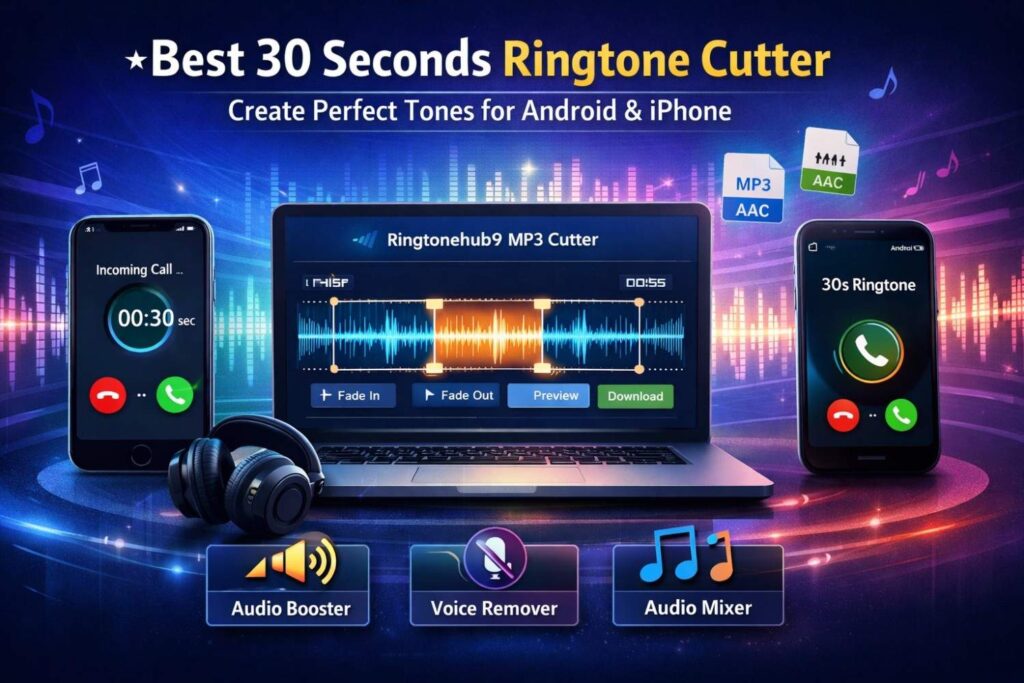
If you’re looking for a reliable way to Create 30s Ringtone Free, Ringtonehub9.com is designed exactly for that purpose.
It’s a lightweight, browser-based solution focused on one thing: creating perfect 30-second ringtone clips quickly and cleanly.
Why Ringtonehub9 Stands Out
- No software installation
- Works on Android & iPhone browsers
- Clean interface with visual waveform
- High-quality MP3 and AAC output
- Optimized specifically for ringtones
Unlike generic editors, this tool is built for ringtone precision.
Step-by-Step Guide: Create a 30-Second Ringtone with Ringtonehub9
Creating your ringtone takes just a few minutes. Here’s how it works:
Step 1: Upload Your Audio
- Upload an MP3, AAC, or supported audio file
- Songs, voice clips, or custom audio all work
Step 2: Select the 30-Second Window
- Use the visual waveform to see the song’s peaks and drops
- Drag the sliders to select exactly 30 seconds
- Perfect for isolating choruses or hooks
Step 3: Preview the Ringtone
- Play your selected section before exporting
- Adjust start/end points if needed
- Ensure it sounds smooth and balanced
Step 4: Download Your Ringtone
- Export in high-quality MP3 or AAC
- Ready to set as ringtone on Android or iPhone
That’s it — fast, simple, and precise.
Key Features That Make It Ideal for Ringtones
Ringtonehub9’s cutter includes features that are especially useful for ringtone creation:
Instant Processing
No queues, no waiting. Your trimmed ringtone is ready almost immediately after selection.
Fade-In & Fade-Out Effects
Avoid harsh starts or sudden cut-offs. Gentle fades make your ringtone:
- More professional
- Less startling
- Easier to loop
High-Quality Output
Choose MP3 or AAC with excellent clarity — perfect for modern smartphone speakers.
Boost or Compress Low Volume Audio
If your ringtone sounds too quiet, you can use the Audio Compressor / Booster on the site to:
- Increase perceived loudness
- Balance soft and loud parts
- Make sure calls are never missed
This is especially useful for older songs or live recordings.
Create Instrumental-Only Ringtones
Want music without vocals? Use the Voice Remover tool to:
- Extract instrumental tracks
- Remove lyrics for a cleaner ringtone
- Highlight beats or melodies
Instrumentals are often less distracting in public settings.
Mix Two 30-Second Clips
Feeling creative? The Audio Mixer lets you:
- Combine two different songs
- Blend intros and choruses
- Create a unique mashup ringtone
This is perfect if you want something truly original.
Tips for Choosing the Best 30 Seconds of Any Song
Picking the right section matters more than the song itself. Here’s how to do it right:
1. Go for the Chorus
The chorus is usually:
- The most recognizable part
- Emotionally powerful
- Musically balanced
Perfect for instant recognition when your phone rings.
2. Avoid Sudden Loud Intros
A ringtone that starts too loud can be annoying. Look for:
- Smooth build-ups
- Clean beats
- Controlled volume levels
Fade-in features help here.
3. Think About Looping
Most phones loop ringtones. Choose a section where:
- The end flows naturally back to the start
- No awkward pauses or cuts
This makes repeated rings less irritating.
4. Keep It Clean
Avoid long silences, random sound effects, or dialogue sections. Simplicity works best.
Online Ringtone Cutter vs Heavy Mobile Apps
You might wonder why not just install a ringtone app. Here’s a quick comparison:
Online Ringtone Cutter Advantages
- No app installation
- No storage usage
- No intrusive ads or pop-ups
- Works across devices
- Faster and cleaner experience
Mobile App Downsides
- Often filled with aggressive ads
- Requires permissions
- Takes up space
- Limited export quality
For most users, a Ringtone Maker Online is simply the smarter choice.
Final Thoughts: Create the Perfect 30s Ringtone Free
A ringtone is a small detail — but it’s one you hear every day. Choosing the right 30 seconds and using the Best 30 Seconds Ringtone Cutter can completely change how your phone feels.
With Ringtonehub9’s MP3 Cutter, you get:
- Speed
- Simplicity
- High-quality output
- Full control over your sound
Whether you’re on Android or iPhone, creating a polished, professional ringtone has never been easier.