A ringtone is not just a sound—it’s a small but powerful extension of your personality. Whether it’s calm and professional, fun and energetic, or minimal and soothing, your ringtone silently represents who you are and how you want to be perceived.
Choosing the right ringtone matters for two key reasons:
- Social etiquette: An inappropriate or loud ringtone in a meeting, classroom, or public place can feel awkward or disruptive.
- Personal mood: Sounds directly affect your brain. The wrong ringtone can cause irritation or stress, while the right one can lift your mood instantly.
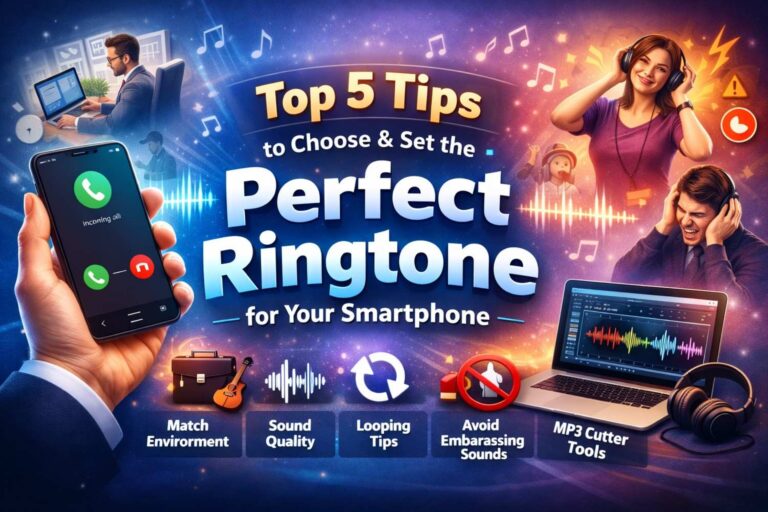
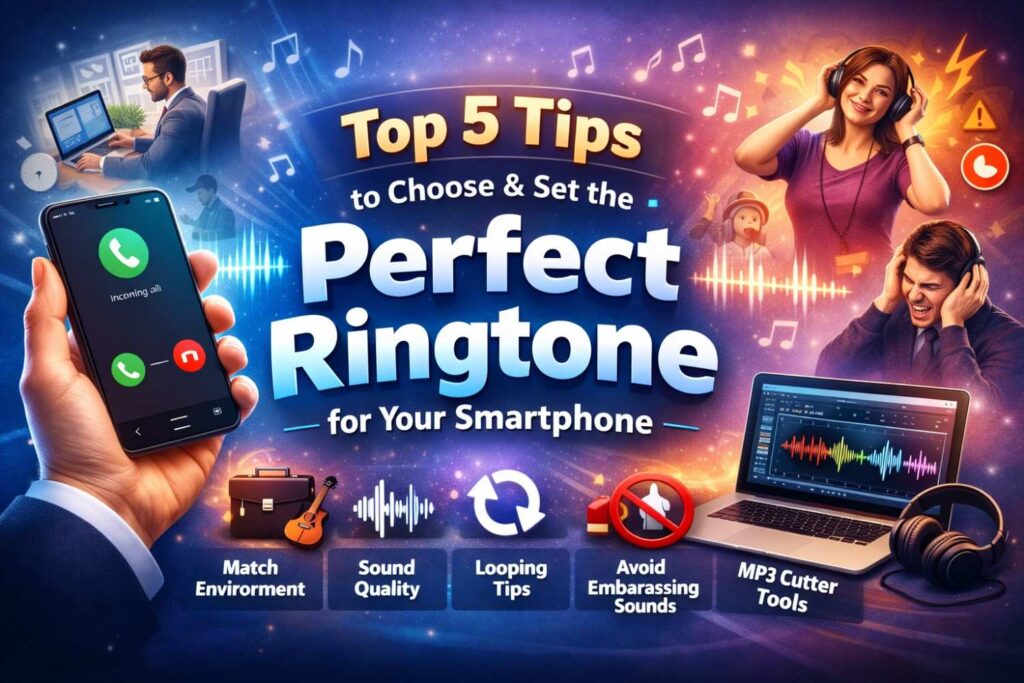
Top 5 Tips to Choose the Perfect Ringtone
In this Custom Ringtone Guide, we’ll break down 5 practical and expert-backed tips to help you set the perfect ringtone for your smartphone—without annoying yourself or others.
Tip 1: Match Your Ringtone with Your Environment
One ringtone does not fit all situations. The smartest approach is choosing tones based on where and how you use your phone.
Professional Environments (Office, Meetings, Work Calls)
For work settings, your ringtone should be:
- Subtle and calm
- Low to medium volume
- Instrumental or minimalist
Best choices include:
- Soft piano tones
- Gentle chimes
- Minimal electronic beeps
These sounds respect mobile etiquette and won’t interrupt conversations or meetings.
Personal & Casual Environments
During personal time, you can be more expressive:
- Upbeat melodies
- Soft music hooks
- Light electronic or lo-fi sounds
This balance ensures your ringtone fits your lifestyle instead of clashing with it.
Pro Tip: Many smartphones allow different ringtones for different SIMs or contacts. Use this feature to separate work and personal calls easily.
Tip 2: Consider Sound Quality and Frequency
A common mistake people make when setting a ringtone is ignoring audio quality.
Why High-Quality Audio Matters
Low-bitrate audio files often:
- Sound distorted
- Lose clarity at higher volumes
- Become irritating over time
High-quality ringtone files:
- Stay clear even in noisy places
- Sound professional and polished
- Reduce listening fatigue
Always choose clean, well-mastered audio files when possible.
Understanding Frequency for Better Audibility
Certain sound frequencies are easier for the human ear to detect, especially in noisy environments like streets or public transport.
Best frequencies for ringtones:
- Mid to high frequencies (2kHz–5kHz)
- Sharp but not harsh tones
Avoid:
- Very low bass-heavy sounds
- Overly complex music with vocals
Clear frequency balance is one of the most underrated smartphone sound tips.
Tip 3: The Importance of Looping (Don’t Ignore This!)
Your phone doesn’t play a ringtone just once—it loops until you answer or silence the call. A sound that feels great for 5 seconds can become annoying in 20 seconds.
What Makes a Good Loop-Friendly Ringtone?
A perfect looping ringtone:
- Has a smooth beginning and ending
- Avoids sudden drops or loud spikes
- Feels natural when repeated
What to Avoid
- Long intros that feel slow
- Abrupt endings that restart harshly
- Lyrics that repeat aggressively
Best formats for looping:
- Instrumental hooks
- Ambient tones
- Simple melodic phrases
Looping comfort is essential when trying to set the perfect ringtone for daily use.
Tip 4: Avoid Jarring or Embarrassing Sounds
This tip is all about mobile etiquette.
A ringtone might sound funny or bold at home—but in public, it can be uncomfortable.
Sounds You Should Avoid
- Loud shouting or voice clips
- Sudden alarms or sirens
- Explicit lyrics or jokes
- Extremely high-pitched tones
These sounds can:
- Startle people nearby
- Draw unwanted attention
- Feel embarrassing in quiet places
Choose Socially Safe Sounds
A good rule:
If you’d feel awkward hearing it in a quiet room, don’t use it as a ringtone.
Respecting others is a core part of using smartphones responsibly.
Tip 5: Use Customization Tools for the Perfect Cut
Instead of using an entire song or its slow intro, smart users customize their ringtones.
Why Custom Ringtones Are Better
- You hear the best part instantly
- No boring intros
- Faster recognition of incoming calls
How an MP3 Cutter Helps
Using an MP3 Cutter for Ringtones (like the tool available on Ringtonehub9.com), you can:
- Select the catchiest part (hook or chorus)
- Trim unwanted sections
- Create clean, loop-ready ringtone files
Best Sections to Cut
- Chorus
- Instrumental drop
- Signature melody
This is one of the most effective smartphone sound tips for personalization.
Step-by-Step Guide: How to Change Ringtones on Android and iPhone
How to Change Ringtone on Android
- Open Settings
- Tap Sound & Vibration
- Select Phone Ringtone
- Choose from default tones or tap Add (+)
- Select your custom ringtone file
- Save and apply
How to Change Ringtone on iPhone
- Open Settings
- Go to Sounds & Haptics
- Tap Ringtone
- Select from available tones
- For custom tones, ensure the file is in M4R format
- Apply the ringtone
Tip: Custom ringtones help iPhone users stand out while keeping sounds clean and elegant.
Final Thoughts: Choose Smart, Sound Better
Choosing the right ringtone is a small decision that makes a big difference. It affects:
- How others perceive you
- How you feel when your phone rings
- How comfortable you are in public spaces
By following this Custom Ringtone Guide, you can:
- Improve your phone experience
- Follow better mobile etiquette
- Truly set the perfect ringtone for your lifestyle
A ringtone should feel natural, pleasant, and personal—not annoying or awkward. Choose wisely, customize smartly, and let your smartphone sound just right.