In 2026, audio files are everywhere. From WhatsApp voice notes and Instagram reels to podcasts, ringtones, and cloud backups—audio content is being created and shared at an unprecedented scale. But there’s a catch: high-quality audio files are often large, making them difficult to upload, store, or share quickly.
That’s where audio compression becomes essential. It reduces file size while trying to preserve sound quality, ensuring faster uploads, smoother sharing, and less storage consumption.
Online Audio Compressor
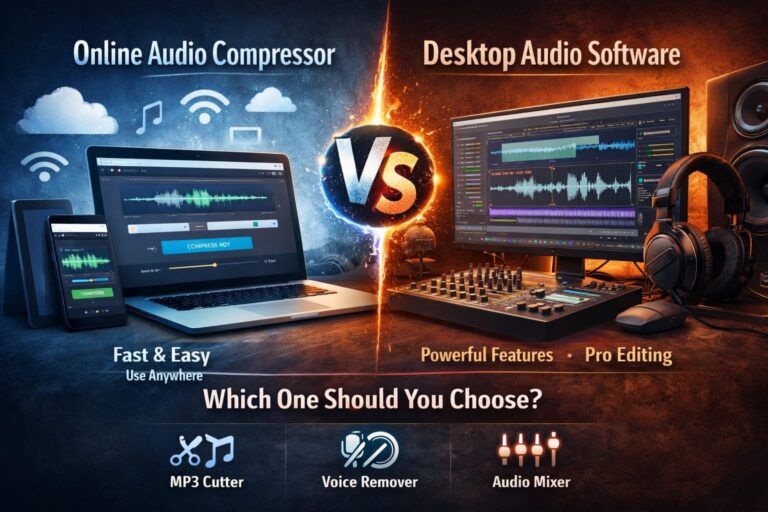
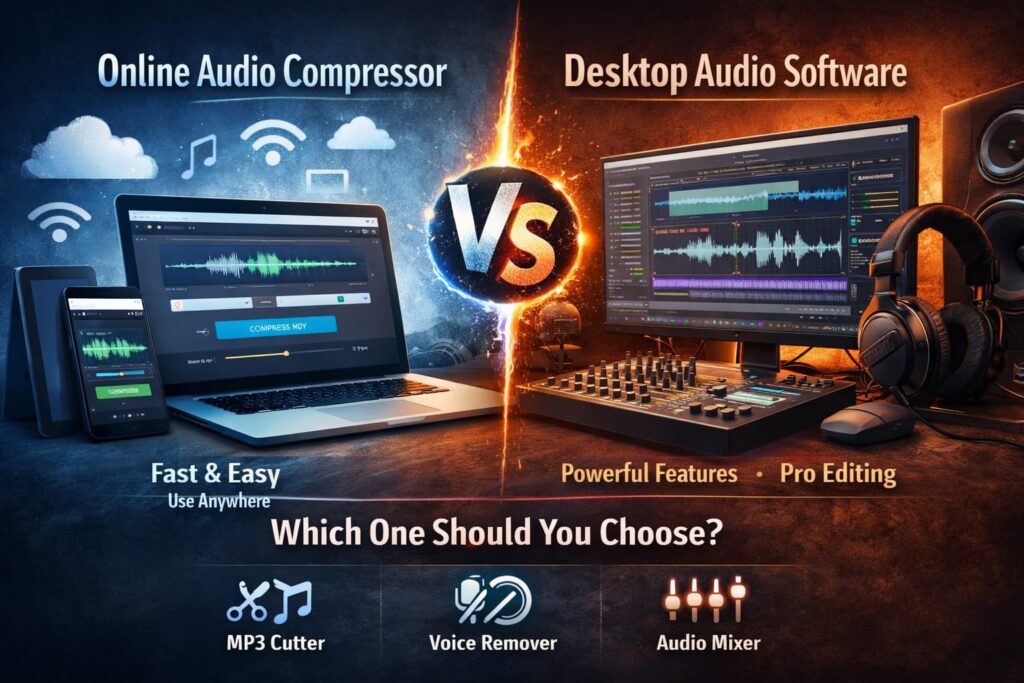
When it comes to compressing audio, users usually face one key decision:
- Online Audio Compressors (browser-based, lightweight tools)
- Desktop Audio Software (installed, feature-heavy applications)
This article offers a balanced, expert-led comparison of both options, helping you decide which one fits your workflow best. We’ll also take a closer look at why Ringtonehub9’s Online Audio Compressor stands out for everyday users.
Desktop Audio Compression Software: Pros & Cons
Desktop software has long been the traditional choice for audio professionals. Programs like Audacity, Adobe Audition, and FL Studio are powerful and deeply customizable—but they’re not always ideal for everyone.
Pros of Desktop Audio Software
1. Advanced Power & Professional Features
Desktop tools offer:
- Detailed bitrate and codec control
- Multi-track editing
- Advanced effects and filters
- Noise reduction and mastering tools
For studio-grade work, these features are invaluable.
2. Offline Processing
Once installed, desktop software works without an internet connection—useful in offline studio environments.
3. Industry Standard for Professionals
Many podcasters, sound engineers, and musicians rely on desktop tools because they integrate well into professional workflows.
Cons of Desktop Audio Software
Despite their power, desktop tools come with real drawbacks.
1. Installation & Setup Time
- Large file downloads
- Frequent updates
- Compatibility issues on some systems
Not ideal if you just want to compress one file quickly.
2. Heavy CPU & RAM Usage
Audio processing software can:
- Slow down older computers
- Consume significant system resources
- Cause overheating on laptops
3. Steep Learning Curve
Most desktop tools are not beginner-friendly. Simple tasks like compression often require:
- Tutorials
- Preset configuration
- Manual exports
4. Lack of Mobility
Desktop software is tied to one device. You can’t easily:
- Use it on mobile
- Switch between devices
- Compress files on the go

Online Audio Compressors: Pros & Cons
Online audio compressors have rapidly evolved, offering impressive results with minimal effort. These tools run directly in your browser—no downloads required.
Pros of Online Audio Compressors
1. Instant Access, Zero Installation
- Open browser
- Upload file
- Compress & download
That’s it. No setup, no waiting.
2. User-Friendly Interface
Designed for non-technical users, online tools typically offer:
- Clean layouts
- One-click compression
- Automatic quality optimization
Perfect for beginners.
3. Works on Any Device
Online compressors are platform-independent:
- Mobile phones
- Tablets
- Windows PCs
- Macs
All you need is a browser.
4. Fast for Everyday Tasks
Ideal for:
- Ringtone creation
- Social media audio
- Voice notes
- WhatsApp status uploads
Speed and simplicity win here.
Cons of Online Audio Compressors
To stay unbiased, online tools do have limitations.
- Require an internet connection
- May lack ultra-advanced editing features
- Not always suitable for multi-track studio projects
However, for single-file compression, these drawbacks are minimal.
Deep Dive: Why Ringtonehub9’s Online Audio Compressor Wins for Daily Use
Among online tools, Ringtonehub9.com’s Audio Compressor stands out as a practical, high-quality solution for everyday users.
1. Perfect Balance of Speed & Quality
The tool is designed to:
- Reduce file size efficiently
- Preserve original audio clarity
- Avoid harsh artifacts or distortion
It focuses on lossless or quality-safe compression, making it ideal for music, ringtones, and voice recordings.
2. Built for Real-Life Use Cases
Unlike complex software, this tool is optimized for:
- Fast sharing
- Small file sizes
- Social media compatibility
No technical knowledge required.
3. Strong Privacy & Security
One major concern with online tools is privacy. Ringtonehub9 addresses this by:
- Processing files securely
- Automatically deleting files after use
- Not storing user data
Your audio stays yours.
4. Truly Device-Agnostic
Whether you’re on:
- Android
- iPhone
- Mac
- Windows
The experience remains smooth and consistent.
Feature Comparison Table: Online vs. Desktop Audio Compression
| Feature | Online Audio Compressor | Desktop Software |
|---|---|---|
| Speed | Instant, browser-based | Slower due to setup |
| Cost | Free & accessible | Often paid or complex |
| Ease of Use | Beginner-friendly | Requires learning |
| Portability | Works on any device | Limited to one system |
| Installation | None required | Mandatory |
This table highlights why online tools dominate for quick, everyday compression tasks.
Synergy with Other Online Audio Tools
One major advantage of using an online ecosystem like Ringtonehub9 is how easily tools work together.
Instead of juggling multiple software programs, users can switch tools instantly.
MP3 Cutter
- Trim unwanted parts
- Create perfect ringtones
- Prepare files before compression
Voice Remover
- Remove vocals from songs
- Clean background noise
- Prepare instrumental tracks
Audio Mixer
- Combine multiple audio layers
- Add effects or background music
- Create custom audio mixes
All without tutorials, installations, or technical frustration.
Online Audio Editing Benefits in Real Life
When comparing Online Audio Compressor vs Desktop, context matters.
Online tools excel in:
- Speed
- Accessibility
- Simplicity
They are especially useful for:
- Content creators
- Students
- Bloggers
- Social media users
- Casual audio editors
For these users, desktop software often feels like overkill.
Verdict: Which One Should You Choose?
Choose Desktop Audio Software If:
- You’re a professional sound engineer
- You work on complex, multi-track projects
- You need deep manual control
- You operate in a studio environment
Choose an Online Audio Compressor If:
- You want fast, high-quality results
- You compress audio occasionally or daily
- You create ringtones or social media content
- You value simplicity and mobility
For most users in 2026, especially those looking for the Best MP3 Compressor 2026, online tools like Ringtonehub9’s Audio Compressor deliver the best balance of quality, speed, and convenience.
Final Thoughts
The debate between Online Audio Compressor vs Desktop isn’t about which is universally better—it’s about which is right for you.
Desktop software remains unbeatable for studio professionals. But for everyone else—those who want quick, clean, and reliable compression without headaches—online audio compressors are the smarter choice.
With tools that combine Free Audio Trimmer and Compressor features, strong privacy, and effortless usability, platforms like Ringtonehub9 represent the future of audio editing: simple, fast, and accessible to all.