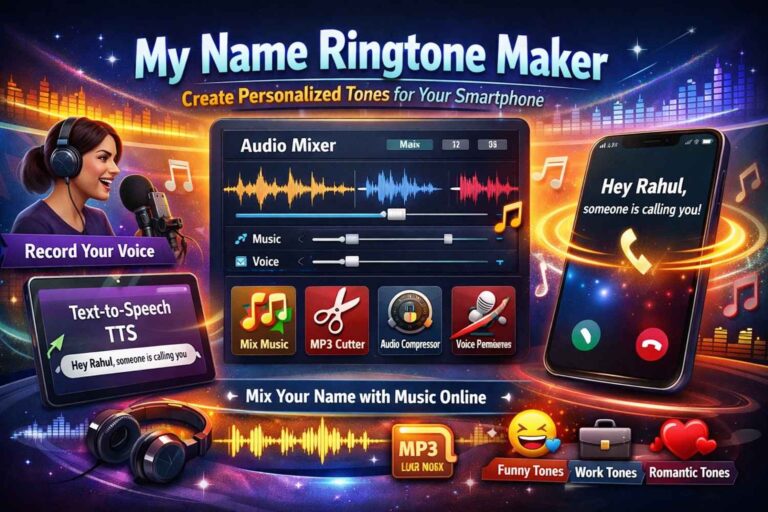
In 2026, personalization is everything. From customized phone cases to AI-generated wallpapers, people love adding a unique touch to their devices. But one of the most satisfying upgrades? A My Name Ringtone Maker that plays your name when someone calls.
Imagine your phone ringing and you hear:
“Hey Rahul, someone is calling you!”
It feels premium, personal, and instantly recognizable.
The best part? You don’t need expensive software or advanced editing skills. Today, you can Create Name Ringtone Online using simple tools and turn a basic audio clip into a professional Custom Voice Ringtone in just a few minutes.
In this complete guide, you’ll learn step-by-step how to create your own personalized caller tune, mix your name with music, and optimize it perfectly for your smartphone.
Why Choose a Personalized Name Ringtone?
Before we jump into the process, let’s understand why name ringtones are trending:
- Unique Identity – No more confusing your ringtone with others.
- Premium Feel – Hearing your own name feels special.
- Fun Factor – Create funny tones for friends.
- Professional Appeal – Set a clean, elegant tone for work calls.
- Romantic Touch – Surprise your partner with a personalized tune.
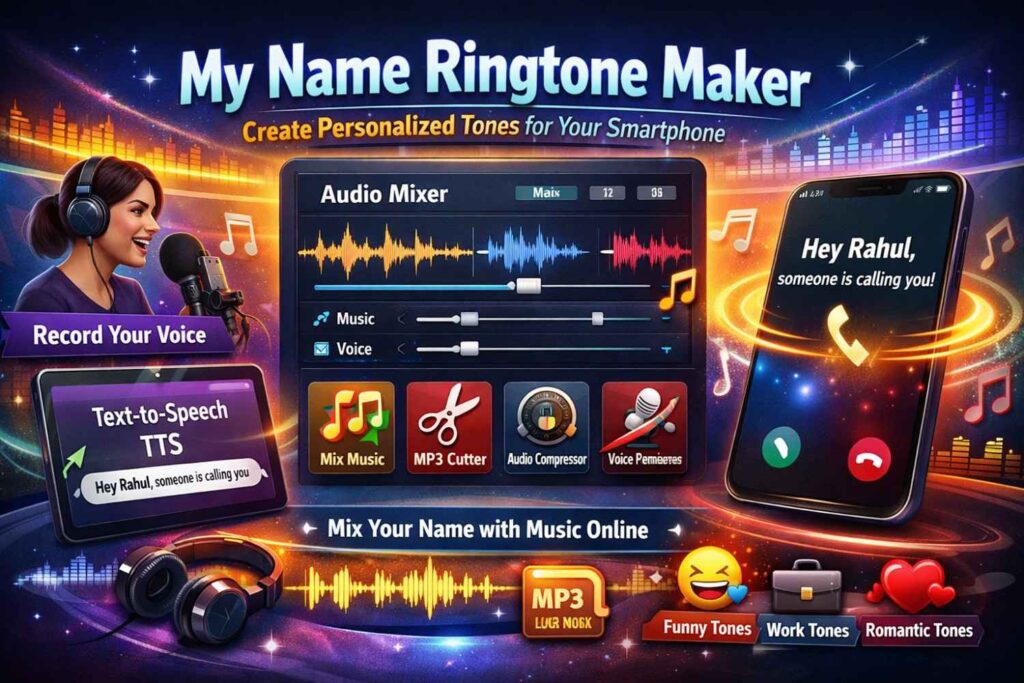
With a proper My Name Ringtone Maker, you can create a ringtone that truly reflects your personality.
Step 1: Recording or Generating the Name Audio
The first step is getting the voice clip of your name.
You have two easy options:
Option A: Record Your Own Voice
This is the most natural and personal method.
How to Record:
- Open your smartphone’s Voice Recorder app.
- Record a clear phrase like:
- “Hey Rahul, someone is calling you.”
- “Priya, pick up your phone.”
- “Mr. Sharma, incoming call.”
- Speak clearly and confidently.
- Save the file in MP3 format (if available).
Tips for Better Recording:
- Record in a quiet room.
- Keep the microphone about 6–8 inches from your mouth.
- Avoid echo and background noise.
- Speak with energy and clarity.
Option B: Use Text-to-Speech (TTS)
If you prefer a robotic, AI, or professional announcer voice, use a basic text-to-speech app.
Type something like:
“Hello Ankit, you have an incoming call.”
Download the generated MP3 file and you’re ready for the next step.
This method is perfect if you want:
- A formal office-style announcement
- A celebrity-like AI voice
- A clean studio-style tone
Step 2: Professional Editing with Ringtonehub9 Tools
Now comes the creative part — transforming your basic name audio into a polished Personalized Caller Tune.
You can easily do this using online tools like those available on Ringtonehub9.
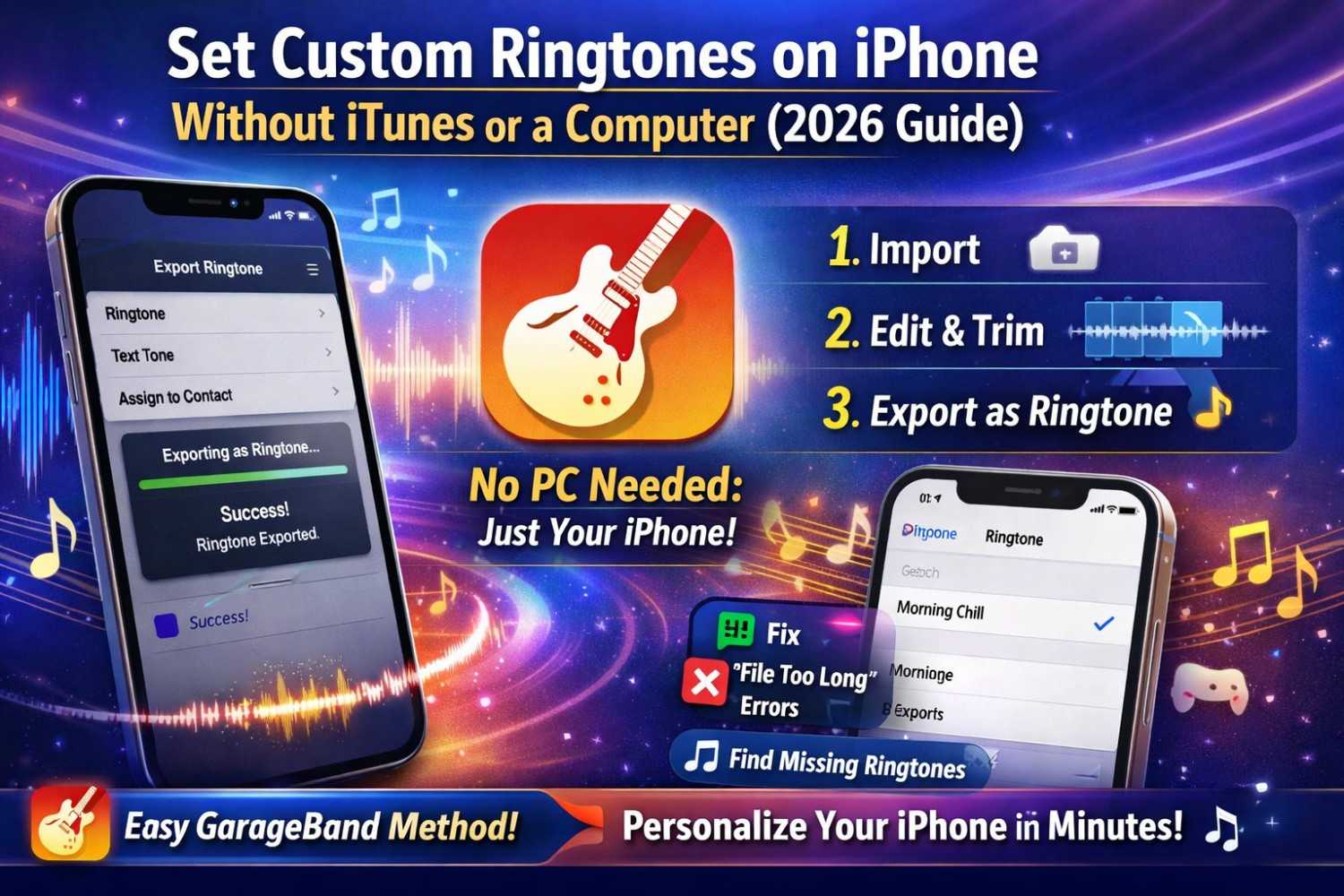
1. Use Audio Mixer – Mix Name with Music Online
The Audio Mixer is where your ringtone truly comes alive.
Why Use Audio Mixer?
Because just hearing your name alone can feel plain. But when you mix name with music online, it becomes cinematic and premium.
How to Use It:
- Upload your Name Audio (recorded or TTS file).
- Upload a background music track:
- Soft flute melody
- Piano instrumental
- Light EDM beat
- Romantic instrumental
- Adjust:
- Voice volume (should be clear and dominant)
- Music volume (should stay in background)
- Preview the mix.
- Download the final version.
Pro Tip:
Keep the background music at 30–40% volume so the voice stays crystal clear.
This step turns your clip into a true Custom Voice Ringtone.
2. Trim Perfectly with MP3 Cutter
Sometimes background music is too long. That’s where the MP3 Cutter helps.
Why It’s Important:
A ringtone should be:
- Short
- Catchy
- Clean
- Not awkwardly ending
How to Trim:
- Upload your mixed audio.
- Select:
- Clean starting point (avoid silent gaps).
- Smooth ending point (no abrupt cut).
- Keep duration between:
- 15–30 seconds (ideal for smartphones).
- Download trimmed MP3.
A properly trimmed file feels professional and intentional.
3. Optimize with Audio Compressor
Large files waste storage and sometimes sound unbalanced.
The Audio Compressor helps:
- Reduce file size
- Balance audio levels
- Keep clarity intact
Why Compression Matters:
- Smartphones perform better with optimized files.
- Voice and music levels become smoother.
- No distortion during loud playback.
Recommended Settings:
- Format: MP3
- Bitrate: 320kbps (high quality)
- Balanced compression level (not too aggressive)
This ensures your ringtone sounds powerful without taking too much space.
4. Replace Lyrics with Your Name (Voice Remover)
Have a favorite song but don’t want the original singer’s voice?
Use the Voice Remover tool.
How It Works:
- Upload your favorite song.
- Remove original vocals.
- Download instrumental version.
- Mix your name audio over it using Audio Mixer.
Now instead of the singer, your name becomes the highlight.
Creative Ideas for Name Ringtones
Want inspiration? Here are some ideas:
Funny Name Ringtones (For Friends)
- “Oye Rohit! Stop sleeping and pick up!”
- “Warning! Sneha’s phone is ringing!”
- “Boss calling, answer quickly Rahul!”
Perfect for college students and fun personalities.
Professional Name Ringtones (For Work)
- “Mr. Mehta, you have an incoming call.”
- “Dr. Sharma, please answer your phone.”
- Soft piano instrumental with subtle announcement.
Ideal for office environments.
Romantic Name Ringtones (For Partner)
- “Hey my love, your phone is ringing.”
- Soft romantic instrumental + whisper tone.
- “Sweetheart, someone special is calling.”
Adds emotional charm to every call.
Gaming Style Ringtones
- Game sound effect + “Player Arjun, incoming call.”
- Action-style background music.
- AI robotic voice announcement.
Great for gamers and streamers.
Technical Tips for Best Results
Even the best Create Name Ringtone Online tools won’t help if you ignore these tips:
Use a Clear Voice
- Avoid shouting.
- Avoid whispering too softly.
- Maintain consistent tone.
Choose Non-Distracting Background Music
Avoid:
- Heavy beats overpowering voice
- Fast rap instrumentals
- Loud drums
Choose:
- Soft piano
- Light flute
- Calm ambient music
Save in High-Quality MP3 (320kbps)
Why 320kbps?
- Better clarity
- Less distortion
- Professional sound quality
Avoid very low bitrate files like 96kbps — they sound cheap.
Keep It Short
Ideal ringtone duration:
- 15–20 seconds (recommended)
- Maximum 30 seconds
Shorter tones are catchier and less annoying.
How to Set Your Name Ringtone on Smartphone
After creating your ringtone:
For Android:
- Go to Settings
- Tap Sound & Vibration
- Select Ringtone
- Choose your downloaded MP3 file
For iPhone:
- Transfer file to iTunes/Finder.
- Convert to AAC if needed.
- Sync to device.
- Set as ringtone in Sound settings.
Why My Name Ringtone Maker Is Trending in 2026
Personalization has become a lifestyle. People now customize:
- Lock screens
- Widgets
- AI wallpapers
- Notification sounds
- And of course — ringtones
A Personalized Caller Tune stands out in public places. It reduces confusion and adds personality to your device.
And thanks to easy online tools, you can now:
- Create Name Ringtone Online
- Mix your name with music online
- Trim and optimize audio
- Replace song vocals
- Download instantly
All without complex software.
Final Thoughts
Creating your own ringtone is no longer complicated. With a simple My Name Ringtone Maker approach, you can:
- Record or generate your name
- Mix it with beautiful background music
- Trim it perfectly
- Optimize sound quality
- Save in high-quality MP3 format
Whether you want something funny, romantic, professional, or stylish — you can design a Custom Voice Ringtone that feels uniquely yours.