In today’s smartphone-driven world, sound quality is no longer a luxury—it’s an expectation. From notification alerts to custom ringtones, the audio format you choose plays a critical role in how clear, loud, and pleasant a sound feels in daily use. While MP3 remains the most widely recognized audio format, many users are unaware that AAC (Advanced Audio Coding) is the hidden engine behind the crisp ringtones and media sounds on iPhones and modern streaming platforms.
Understanding the difference between MP3 and AAC is especially important when creating or choosing ringtones. Factors like Lossy Compression, Bitrate, and Sample Rate directly affect how a ringtone sounds on small smartphone speakers. This article provides a deep technical comparison of MP3 vs AAC ringtones, helping you decide which format delivers the best balance of quality, compatibility, and performance.
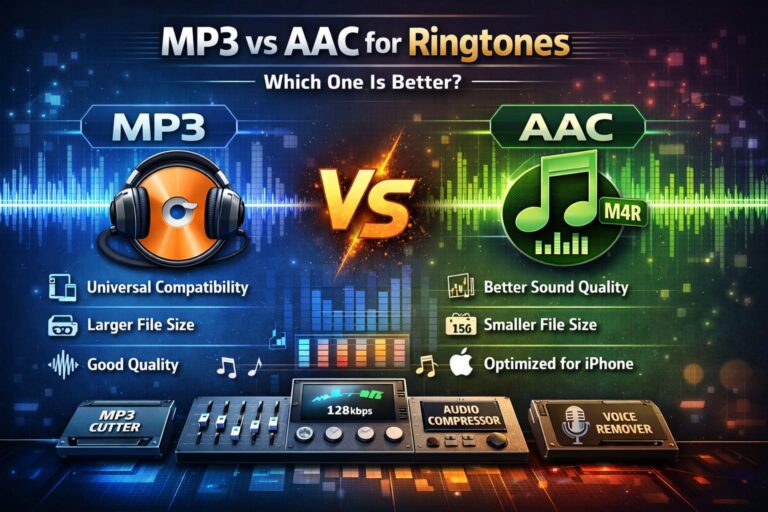
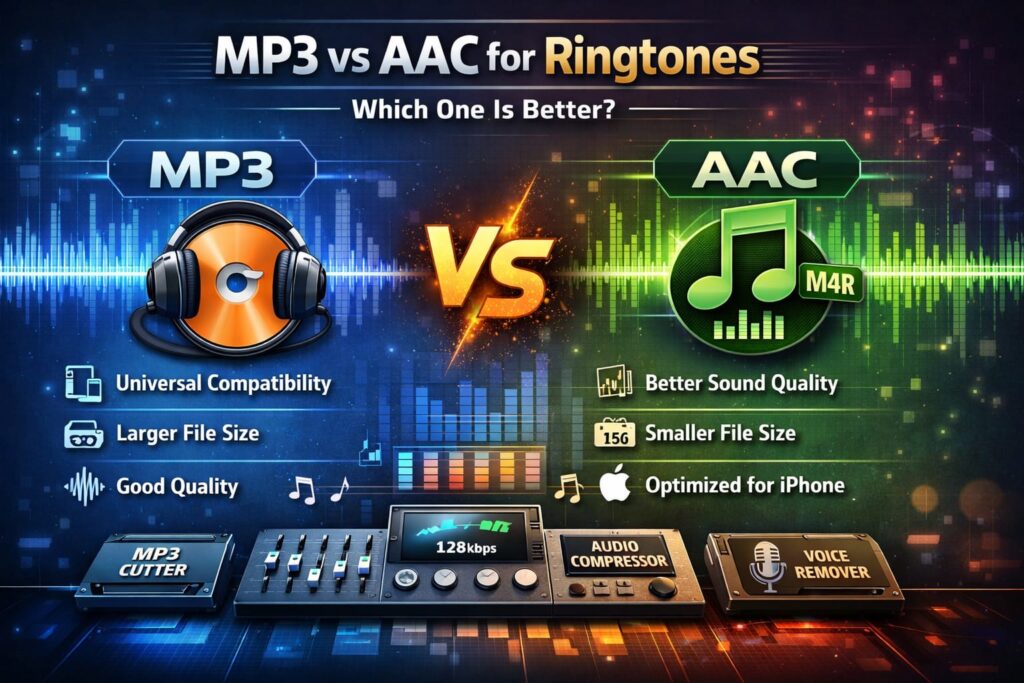
MP3 vs AAC for Ringtones
What Is MP3?
MP3, officially known as MPEG-1 Audio Layer III, was introduced in the early 1990s as a revolutionary way to compress audio files. Before MP3, digital audio files were extremely large, making storage and sharing difficult. MP3 changed everything by using lossy compression, a technique that removes audio data considered less audible to the human ear.
Key Characteristics of MP3
- Uses psychoacoustic modeling to discard inaudible frequencies
- Supports a wide range of bitrates, typically from 96 kbps to 320 kbps
- Universally compatible with Android, Windows, macOS, car systems, and smart devices
Because of its flexibility and device support, MP3 quickly became the global standard for music downloads and ringtones. Even today, MP3 remains the safest choice when compatibility is the top priority.
What Is AAC?
AAC (Advanced Audio Coding) was developed as the official successor to MP3. It was designed to improve efficiency, meaning it delivers better sound quality at the same or even lower bitrates. AAC achieves this by using more advanced compression algorithms and improved handling of high-frequency sounds.
Apple adopted AAC as its default audio format, which is why iPhones use M4A for music and M4R for ringtones—both based on AAC encoding.
Why AAC Is Considered Superior
- More efficient lossy compression than MP3
- Better handling of complex sounds like cymbals and vocals
- Optimized for modern processors and mobile devices
For streaming services such as Apple Music, YouTube, and many others, AAC is the preferred format because it provides consistent quality while keeping file sizes small.
MP3 vs AAC: Key Differences Explained
Sound Quality
Sound quality is the most noticeable difference between MP3 and AAC, especially at lower bitrates.
AAC uses advanced encoding tools like Temporal Noise Shaping and Perceptual Noise Substitution, allowing it to preserve higher frequencies more accurately than MP3. This results in clearer highs and less distortion.
At similar bitrates:
- 256 kbps AAC often sounds comparable to or better than 320 kbps MP3
- AAC maintains clarity on small smartphone speakers
For ringtones, where clarity and punch matter more than deep bass, AAC often has the edge.
File Size
File size directly impacts loading speed, storage, and mobile performance. AAC is more efficient, meaning it achieves similar quality using fewer bits.
- MP3 requires higher bitrates to maintain quality
- AAC delivers cleaner sound at smaller file sizes
A smaller ringtone file ensures faster loading, reduced battery usage, and smoother performance across devices.
Compatibility
Compatibility is where MP3 still shines.
- MP3: Works on virtually every device and operating system
- AAC: Fully supported on iOS, macOS, and most modern Android devices
For iPhones, AAC-based M4R ringtones are the standard. Android devices, while capable of playing AAC, still rely heavily on MP3 for system sounds and alerts.
Ringtone Perspective: Which Format Should You Choose?
When choosing a ringtone format, the Bitrate is more important than the format alone.
Bitrate Comparison Example
- 320 kbps MP3: High quality, larger file size
- 256 kbps AAC: Similar or better quality, smaller file size
For short audio clips like ringtones (usually 20–30 seconds), AAC offers excellent clarity without unnecessary size. MP3 remains ideal when maximum compatibility is required.
Text-Based Comparison Table
| Feature | MP3 | AAC |
|---|---|---|
| Compression Type | Lossy Compression | Lossy Compression (Advanced) |
| Sound Quality | Good | Excellent |
| File Size | Larger | Smaller |
| High-Frequency Handling | Average | Superior |
| Device Compatibility | Universal | Best on Apple devices |
| Ringtone Format | .mp3 | .m4r (AAC-based) |
Tool Integration: Optimizing Ringtones with Ringtonehub9.com
Regardless of whether you choose MP3 or AAC, proper optimization is essential for creating professional-quality ringtones. This is where specialized online tools become invaluable.
Audio Compressor
Large audio files can cause performance issues on mobile devices. Using an Audio Compressor, you can reduce file size while preserving clarity. This is especially useful when working with high-bitrate MP3 or AAC files to ensure smooth playback without distortion.
MP3 Cutter
Ringtones work best when they capture the most recognizable 20–30 seconds of a track. An MP3 Cutter allows you to extract the exact hook or chorus from any audio file, regardless of whether it’s MP3 or AAC.
Audio Mixer
Want to create a unique ringtone? An Audio Mixer lets you blend two audio sources, such as a beat from an MP3 track and a vocal clip from an AAC file. Mixing formats before final export ensures creative flexibility.
Voice Remover
For clean instrumental ringtones, a Voice Remover can isolate background music by reducing vocals. After cleaning the track, you can export it as an AAC ringtone for iPhones or MP3 for Android devices.
These tools ensure that format choice never limits creativity or performance.
Final Verdict: MP3 or AAC for Ringtones?
The best format depends on your device and priorities.
For Android Users
- MP3 remains the safest and most compatible choice
- Works seamlessly with system sounds and third-party apps
- Easy to edit, cut, and customize
For iPhone Users
- AAC (M4R) is the clear winner
- Better sound quality at lower bitrates
- Fully optimized for Apple’s audio ecosystem
Overall Recommendation
If you want universal compatibility, choose MP3.
If you want the best audio format for iPhone ringtones, AAC delivers superior efficiency and clarity.
By understanding AAC vs MP3 sound quality, high quality ringtone bitrate, and proper optimization techniques, you can create ringtones that sound professional, load instantly, and enhance your daily smartphone experience.